Your keys, on your device
A 12-word BIP39 recovery phrase, generated on device and shown once. Encrypted in the Keychain in a class Apple excludes from iCloud and iTunes backups, and unlocked with Face ID only while you sign a payment you approved.
Bitcoin only · iPhone · Self-custody
Bitcoin, and nothing else. Your recovery phrase is generated on your device, encrypted in the Secure Enclave, and never transmitted anywhere — including to us.
$79,118BTC · live
No account. No KYC. No email. No tracking. Free, with nothing to buy inside.
Everything below happens on your phone. There is no ₿21 Wallet server to go down, get breached, or be served a subpoena, because there is no ₿21 Wallet server.
A 12-word BIP39 recovery phrase, generated on device and shown once. Encrypted in the Keychain in a class Apple excludes from iCloud and iTunes backups, and unlocked with Face ID only while you sign a payment you approved.
BIP39 phrases with BIP84 or BIP86 derivation, and a choice of Taproot or Native SegWit addresses. Your phrase restores in any compatible wallet. Leaving is as easy as arriving, on purpose.
A review screen before every payment: recipient, amount, fee, and what is left afterwards. Fees come from live network estimates, or set your own. Stuck in the mempool? Bump it with RBF instead of starting over.
A fresh receiving address each time, so your payments are not publicly linked. Pasted addresses are checked for network and checksum, and flagged when one merely resembles somewhere you have paid before.
Point ₿21 Wallet at your own node — over your local network or a .onion address — and it talks only to your node. It will never quietly fall back to a public server; that would leak your wallet to exactly the party you ran a node to avoid.
Monochrome, in light or dark. Tap the balance to switch between bitcoin and your local currency. A price chart on the home screen, notes on your transactions, and a cover that hides your balance in the app switcher.
Four screens from the app itself, captured by an automated UI test rather than retouched in a design tool.
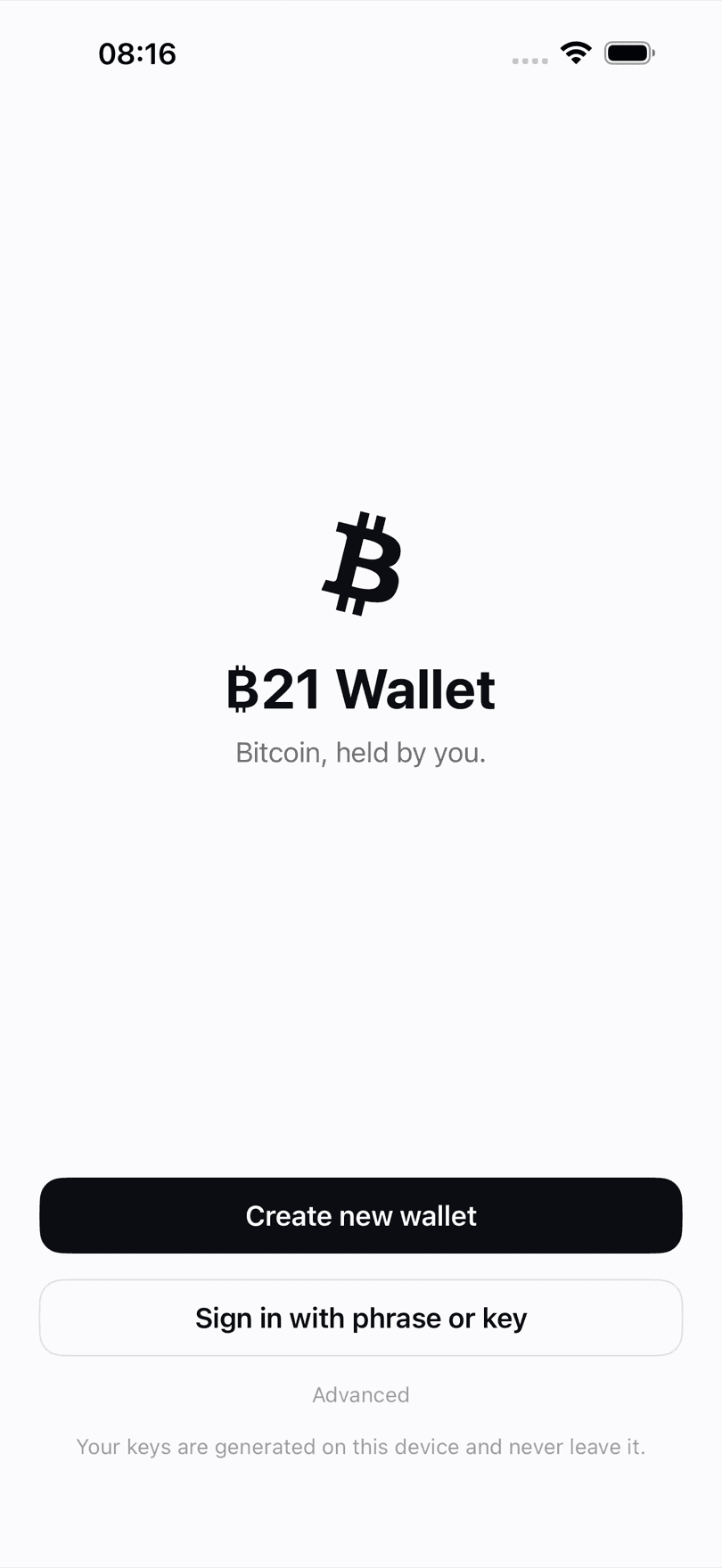
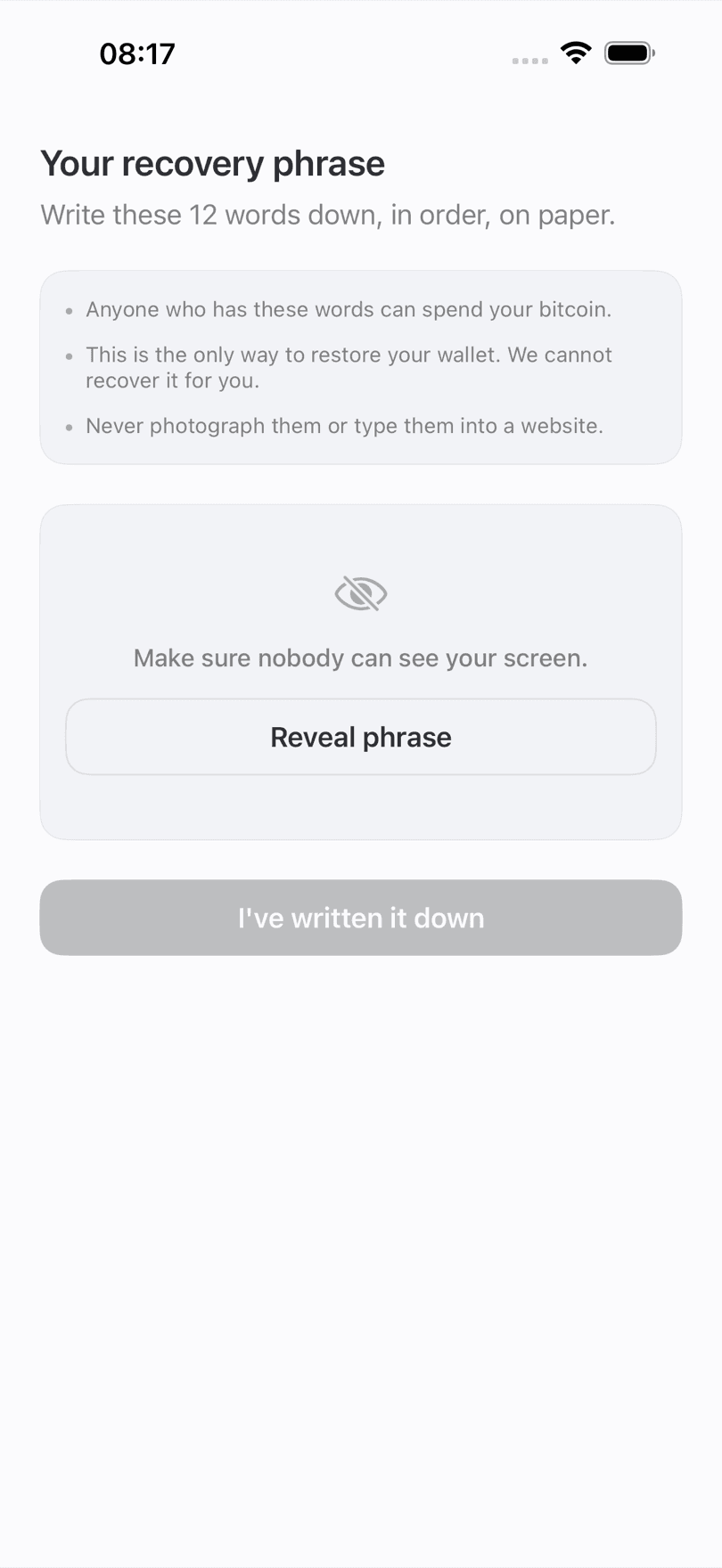
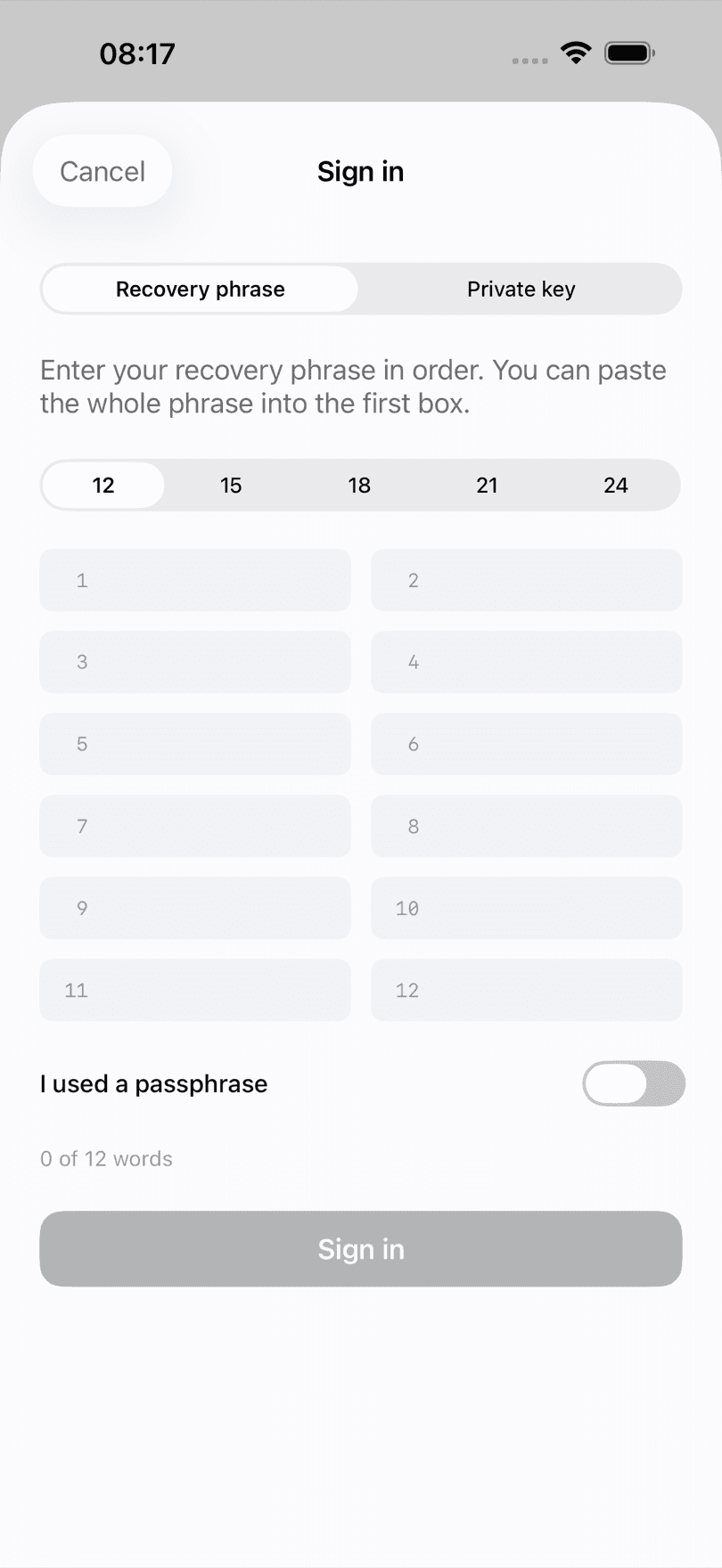
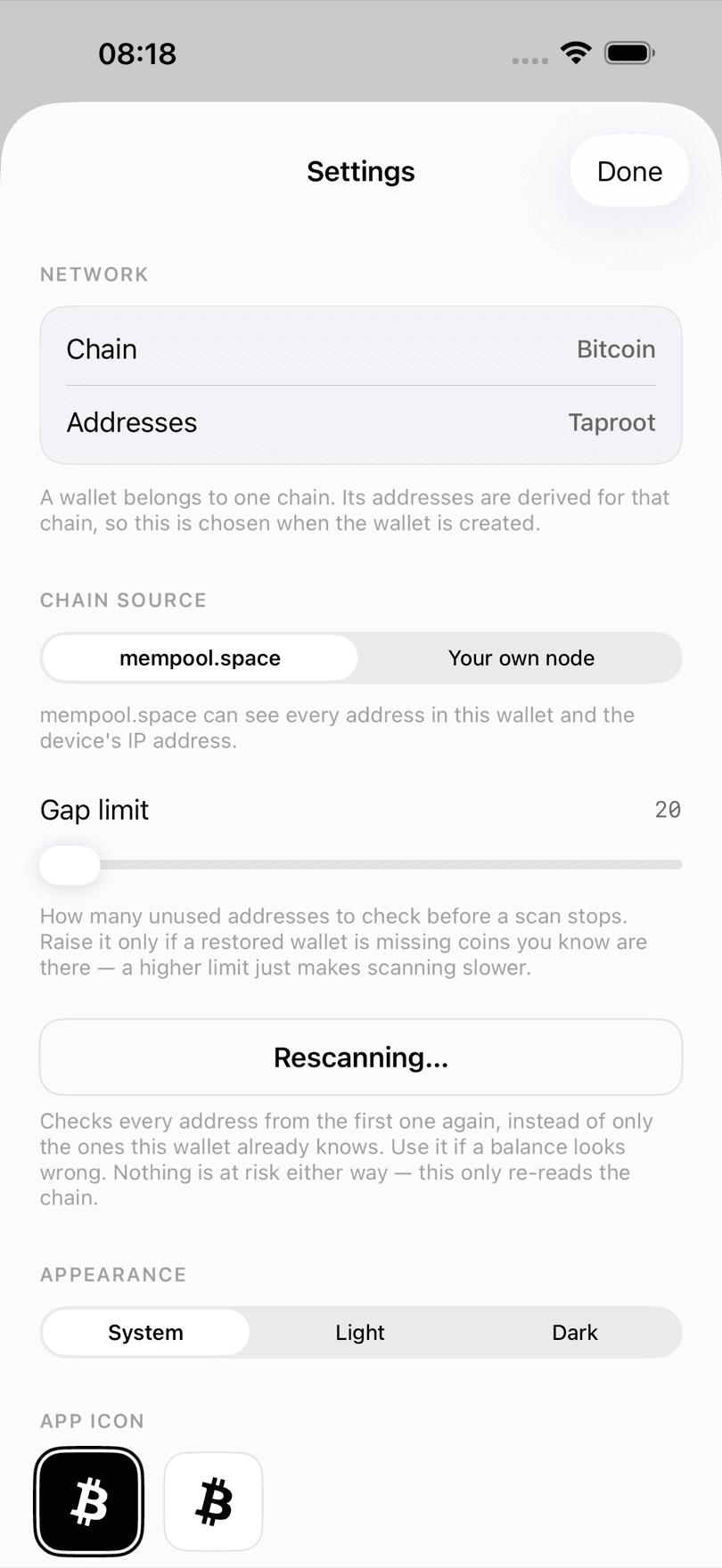
Most wallets say they respect your privacy. The testable version of that claim is what the app talks to, so here is the complete list.
| Endpoint | Why | What it sees |
|---|---|---|
| mempool.space | Balances, fees, broadcasting, price | Your IP and the addresses you ask about |
| blockstream.info | Automatic failover | The same, only if the first is unreachable |
| Your own node | All of the above, optionally | Only you |
That is the whole list. No analytics, no advertising, no attribution SDK, no crash reporter, no account system. The App Store privacy label reads Data Not Collected, and the privacy policy spells out why.
The fastest way to be disappointed by a wallet is to pick one built for someone else.
Self-custody asks you to know a few things. These are the ones that actually matter, written without the usual hand-waving.
What “not your keys, not your coins” means in practice, and what you take on when you stop having a company to call.
What the 12 words are, why writing them down beats a screenshot, and how a phrase gets stolen in practice.
Nine questions to ask any wallet before you put money in it — including this one.
Yes. Your recovery phrase is generated on your iPhone, encrypted with a key held in the Secure Enclave, and stored in the Keychain in a class Apple excludes from iCloud and iTunes backups. It is decrypted only in memory, only while you sign a payment you approved. Paxa Media operates no server for the app and cannot access, freeze, move, or recover your bitcoin.
No. There is no sign-up, no identity check, no email, and no phone number. You open the app, create or restore a wallet, and use it. There is no account to be locked out of because there is no account.
Yes, and there is nothing to buy inside it. No subscription, no premium tier, no in-app purchases, no ads, no affiliate swap partner taking a spread. The only money you ever pay is the Bitcoin network fee for your own transactions, which goes to miners rather than to us.
Your bitcoin is gone, and nobody can bring it back — not us, not Apple, not anyone. That is the trade self-custody makes: no company can freeze your funds, and no company can restore them. ₿21 Wallet says this plainly during setup, makes you verify the words before it will continue, and warns you the moment you take a screenshot of them.
Yes, and that is deliberate. ₿21 Wallet uses standard BIP39 recovery phrases with BIP84 (Native SegWit) or BIP86 (Taproot) derivation, so your phrase restores in any wallet that supports them. You are never locked in.
None. There is no account, no login, no email, no analytics, no advertising, no crash reporting, and no third-party SDK of any kind. The App Store privacy label reads Data Not Collected because that is literally the case.
To read your balance and broadcast payments, your phone queries public Esplora servers — mempool.space, with blockstream.info as automatic failover. They can see your IP address and the addresses you ask about. That is inherent to querying a blockchain server, not something ₿21 Wallet adds, and it is stated in Settings rather than buried. Connecting your own Bitcoin node removes it entirely, and the app then never falls back to a public server.
No. It sends and receives bitcoin you already hold, and does nothing else. There are no tokens, no NFTs, no Ethereum, no swaps, no yield products, no exchange, and no ads. If you need to buy bitcoin, buy it wherever you like and withdraw it to an address ₿21 Wallet gives you.
Neither. It is a mobile hot wallet: the keys live on your iPhone, encrypted by the Secure Enclave, on a device that is connected to the internet. That is a genuinely different risk profile from an offline hardware wallet, and we will not call it cold storage in the place people search for exactly that. For savings you do not intend to touch for years, a hardware wallet is the better tool.
The source is not public today. Independent auditability is a fair thing to want from a wallet, and if that is a requirement for you, choose a wallet that already offers it rather than taking our word for anything.
Not yet. iPhone is first. If you are on Android and want to be told when it lands, email lukar@paxa.media.
Still stuck? Support covers the common cases, or email lukar@paxa.media directly.