What self-custody actually means
The trade you are making, stated without the marketing gloss.
Most wallet apps on iOS are an account at a company with a phone-shaped front end. ₿21 Wallet is not: the key is generated on your device, protected by the same hardware that protects Face ID, and never sent anywhere.
Three things, and they matter more than any feature list. The first is the Secure Enclave: a separate coprocessor with its own memory that can hold and use a key without ever handing the key itself to the main processor or to an app. ₿21 Wallet uses it to hold the key that encrypts your recovery phrase, so the encrypted phrase on disk is worthless without that specific piece of silicon in that specific phone.
The second is the Keychain protection classes. An item marked WhenUnlockedThisDeviceOnly is readable only while the phone is unlocked and is excluded by Apple from iCloud and iTunes backups. That closes a failure mode people rarely think about: an encrypted wallet quietly copied into a cloud backup, where it is only ever as safe as the account password protecting that backup.
The third is app sandboxing. On a desktop, any process running as your user can generally read any file you can read. On iOS it cannot. That is not a small difference for something holding money.
Being honest about this is more useful than another paragraph about encryption. A wallet on a phone is a hot wallet. The key is on an internet-connected device you carry into cafés and airports and hand to people to take photographs. No amount of Secure Enclave changes that category.
The correct conclusion is not “do not use a phone wallet”. It is: keep on the phone what you would carry in a physical wallet, and put long-term savings on a hardware wallet kept offline. ₿21 Wallet is built for the first job and does not pretend to do the second.
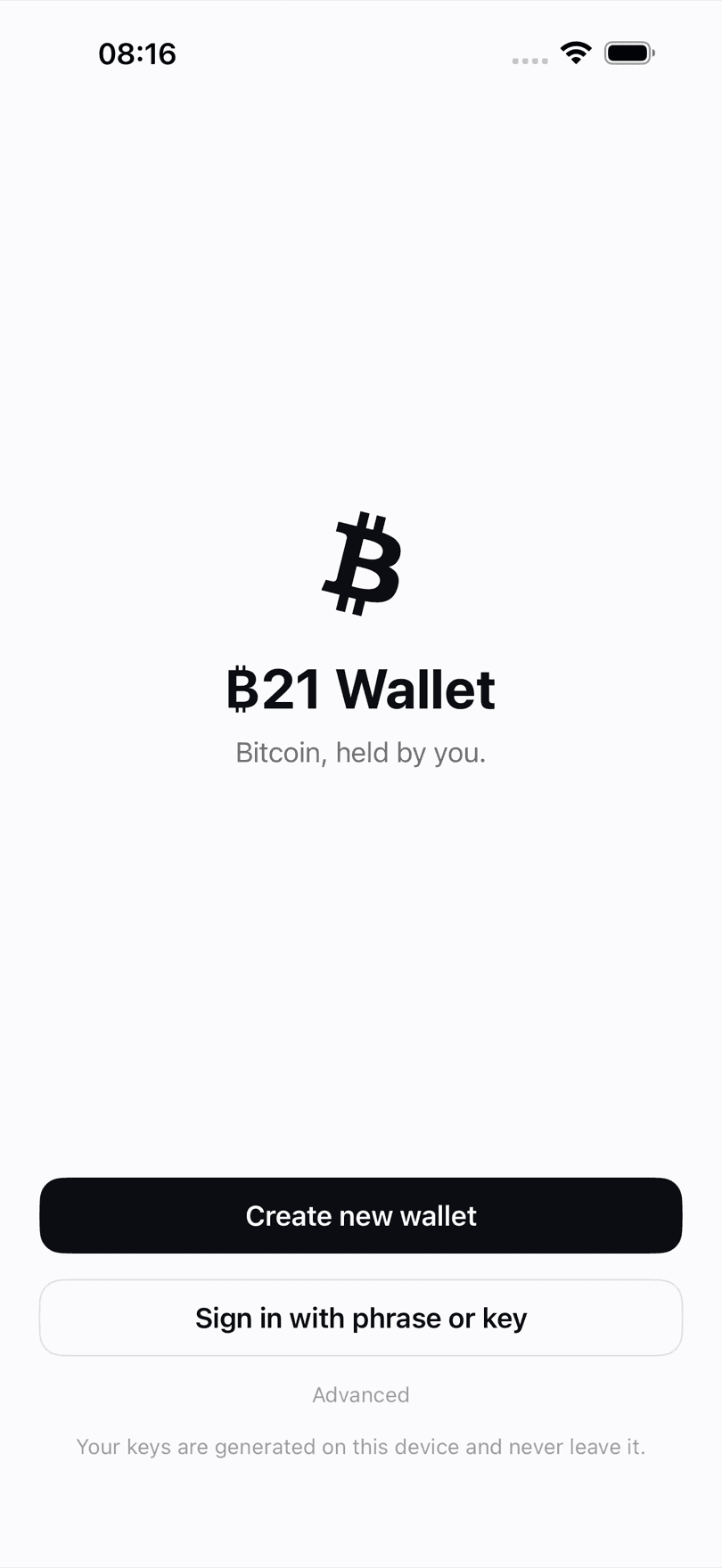
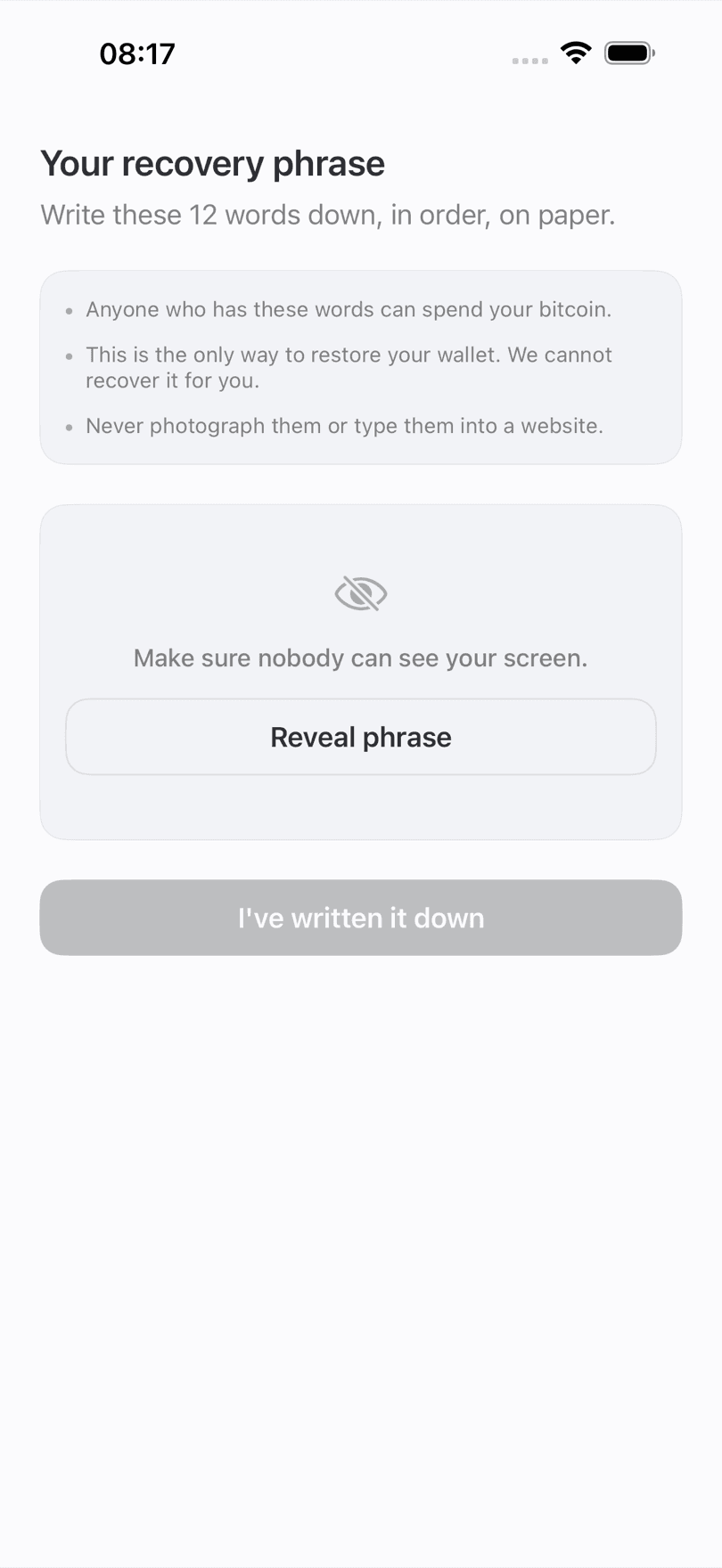
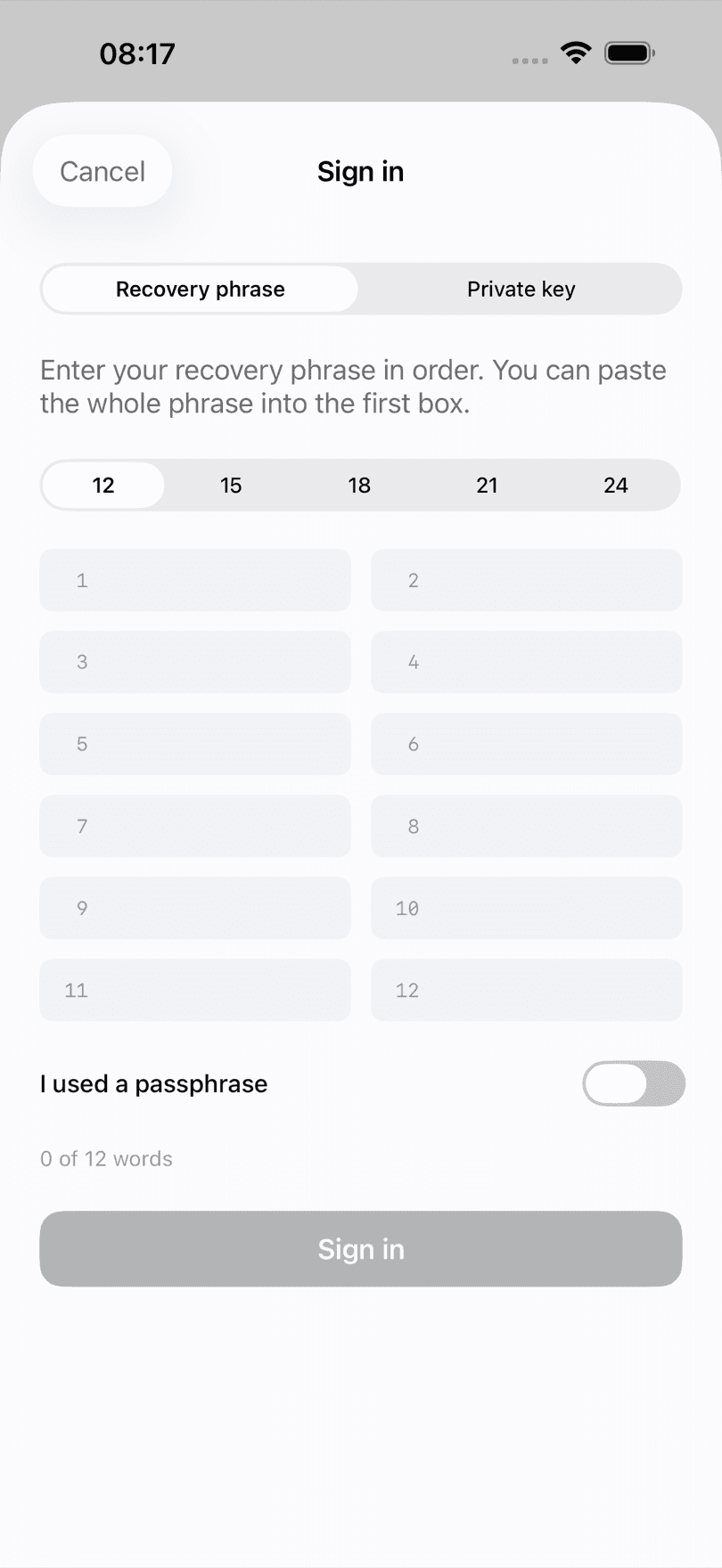
Setup is one screen: create a wallet or restore one. There is no email step, no verification code, no name, no country picker, no risk questionnaire. The app generates a 12-word BIP39 recovery phrase on the device, shows it once, and makes you type several of the words back before it will let you continue — because a phrase you have not confirmed you wrote down is a phrase you have not written down.
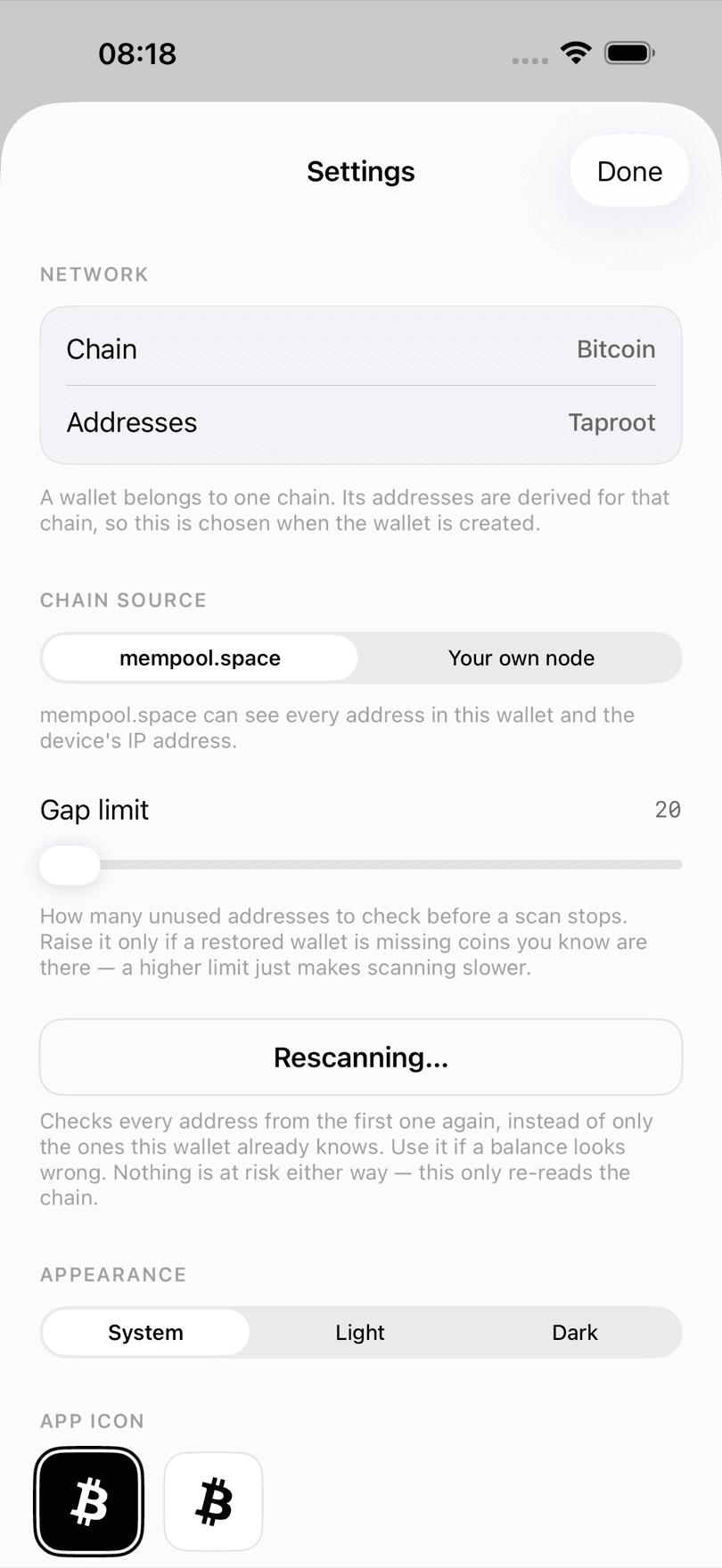
From there it is a wallet and nothing else: receive on a fresh address each time, send with a review screen that shows the fee and what is left afterwards, and bump a stuck transaction with RBF rather than starting over. Choose Taproot or Native SegWit addresses in Settings, or point it at your own node if you run one.
| Platform | iPhone, iOS 18.0 or later |
|---|---|
| Price | Free. No subscription, no in-app purchases, no ads |
| Account | None. No email, no phone number, no KYC |
| Assets | Bitcoin only, mainnet and signet |
| Standards | BIP39 phrases, BIP84 and BIP86 derivation, replace-by-fee |
| Android | Planned, no date |
Use a non-custodial wallet that generates the key on the device, stores it in the Keychain with a device-only protection class so it cannot ride an iCloud backup to another phone, and requires Face ID or a passcode to sign. Then write the recovery phrase on paper and keep it somewhere a thief with your unlocked phone cannot reach. The phone is a hot wallet no matter which app you pick, so match the amount you keep on it to what you would carry in a physical wallet.
iOS sandboxing means another app cannot read your wallet's Keychain items or its container. That is a genuinely strong boundary and it is a real advantage of iOS over a desktop wallet. It does not protect you from a phishing site that convinces you to type your recovery phrase somewhere, and it does not protect you from someone who has both your phone and your passcode.
It depends entirely on the app. Keychain items marked with a ThisDeviceOnly protection class are excluded from iCloud and iTunes backups; ordinary ones are not. ₿21 Wallet uses WhenUnlockedThisDeviceOnly deliberately, which means restoring an iPhone backup does not bring your wallet across — only the recovery phrase does. That is the safer default, and it surprises people, so the app says so during setup.
You need an Apple ID to install anything from the App Store. ₿21 Wallet itself has no account, no login, no email field, and no server to register with. Apple knows you downloaded an app; nobody, including us, knows you have a wallet.
₿21 Wallet is an iPhone app. Because it uses a standard BIP39 phrase with BIP84 or BIP86 derivation, the same phrase restores in any wallet on any platform that supports those standards — but do think before you spread one phrase across more devices. Every extra copy is another place it can be taken from.
Nothing, provided you have your recovery phrase. Your coins live on the Bitcoin blockchain, not on the phone; the phone holds the key that authorises spending them. Install the wallet on a new phone, restore from the phrase, and the balance reappears. Without the phrase, a lost phone means lost coins — which is why the phrase, not the phone, is the thing to protect.
The trade you are making, stated without the marketing gloss.
Nine questions to ask any wallet before you fund it.
Why the iPhone backup is not your wallet backup.